Answer calls & book jobs 24/7
AI phone agents and reception tools can answer questions, take messages, pre-qualify leads, and even book appointments directly into your calendar — day or night — so missed calls don’t equal missed revenue.
AI that feels like an extra employee, not extra headache
AI can answer your calls, schedule jobs, follow up on quotes, and keep your inbox organized. The problem is, most owners don’t have time to figure out what to use or how to connect it all. That’s where I come in.
I help trades, gyms, home services, and other local businesses use AI like extra staff: always on, never tired, and tuned to how you actually work.
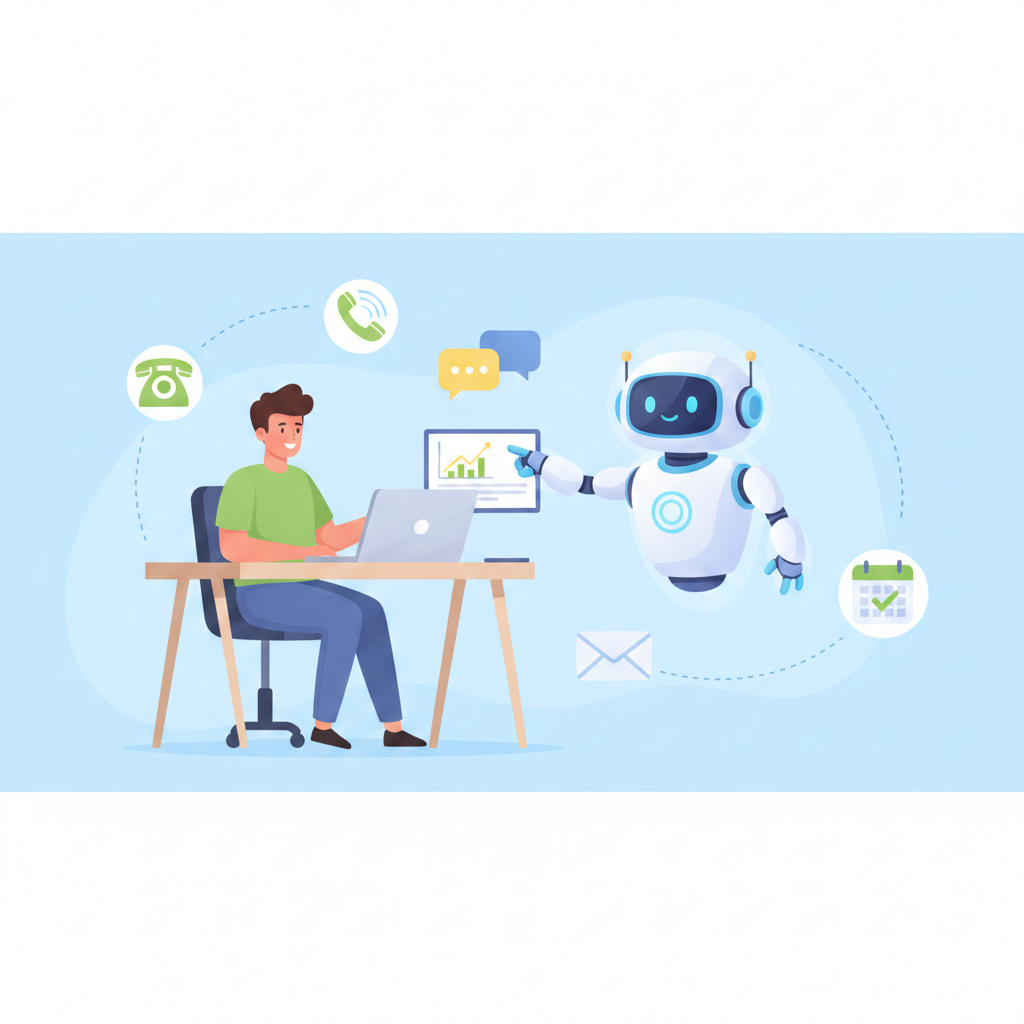
Ignore the hype for a second. Here’s what AI is already doing every day for businesses your size — often using tools you may already have.
AI phone agents and reception tools can answer questions, take messages, pre-qualify leads, and even book appointments directly into your calendar — day or night — so missed calls don’t equal missed revenue.
AI-powered email and SMS platforms can send friendly reminders about quotes, unpaid invoices, or upcoming appointments — without feeling spammy — and keep all replies organized in one place.
AI chatbots and virtual assistants can live on your website, social pages, or even text, answering FAQs, sharing pricing ranges, and collecting details before you ever pick up the phone.
AI scheduling assistants can propose times, send booking links, and move appointments around when things change — without you digging through emails and text threads.
AI assistants can turn notes into clean documents, draft emails in your voice, summarize long messages, and help you document how your process works so it's easier to train new people.
Search is changing. Answer engines and AI chat are already recommending local businesses. A smart content and reviews strategy makes it easier for these tools to understand what you do and who you serve.
There are thousands of tools out there. You don’t need most of them. Here are the categories that give the best “hours saved vs. dollars spent” for local and service-based businesses.
Email platforms like Mailchimp, Brevo, and ActiveCampaign now include AI to help write subject lines, personalize content, and decide when to send so messages are more likely to be opened. They can also run automated sequences: quote follow-ups, reminders, and “we haven’t seen you in a while” check-ins.
Great for: staying in touch with leads and past customers without manually writing every message.
AI chat platforms can sit on your website, learn from your FAQs and service pages, and answer questions 24/7. They collect names, emails, and what the person needs, then pass that info to you.
Great for: answering FAQs, filtering out bad leads, and making sure visitors get a response even when you’re on the job.
Modern AI reception tools can answer your main number, respond in a natural voice, answer common questions, and book appointments. Many focus on small businesses and integrate with calendars and CRMs so call notes aren’t lost.
Great for: after-hours calls, high call volume, or owner-operators who can’t always pick up while driving or on a ladder.
AI scheduling tools can read your calendar, propose meeting times, and send booking links through email or text. Some specialize in sales and lead follow-up, automatically reaching out to new inquiries until a time is booked.
Great for: first-time consultations, estimates, membership sign-ups, and recurring appointments without back-and-forth messaging.
Assistants like ChatGPT-style tools, Gemini for Google Workspace, and other AI “copilots” can live right inside your email, docs, and spreadsheets. They can summarize client calls, draft SOPs, and turn scattered notes into clear checklists and training guides.
Great for: documenting your business, speeding up admin work, and helping your team stay on the same page.
AI writing tools can help create blog posts, FAQs, and social content that explain your services in a way both humans and search engines understand. With the right prompts and guardrails, it stays true to your voice instead of sounding generic.
Great for: keeping your website and social feeds from going silent when you get busy.
You don’t need to become a “tech person” to benefit from AI. My job is to translate your real-world problems into simple systems that run in the background.
We start with how your business actually runs: how leads show up, who answers the phone, where quotes live, and what falls through the cracks. No jargon — just walking through a normal week in your business.
Together we choose one to three places where AI can help right away: maybe it’s after-hours calls, quote follow-up, or intake forms. We pick tools that fit your budget and that you’ll actually use.
I handle the messy setup: connecting tools, testing, and writing clear step-by-step guides. Your team gets screenshots, plain-English explanations, and a way to ask for tweaks once you start using everything.
We’ll focus on saving time and reducing stress first — not chasing hype or adding tools you don’t need.
For most small businesses, AI works best as an assistant, not a replacement. It handles repetitive tasks — answering the same questions, chasing the same reminders — so your real people can focus on work that needs judgment, skill, and a human touch.
Not usually. Many tools you already use (email, calendar, office software) now have AI features built in. We start by turning those on and connecting them properly before bringing in anything new.
We stick with reputable tools that publish clear privacy practices and offer control over what data is stored or used for training. I’ll walk you through the tradeoffs so you’re comfortable with what’s happening behind the scenes.
That’s honestly who this is built for. I don’t expect you to learn new jargon or dashboards. I’ll set things up, then show you with simple checklists, videos, or screenshots how to use them day-to-day.
You don’t need to memorize tool names or become an AI expert. Your job is to run the business. My job is to make the tech side easier.
Phone: (832) 480-6388
Email: Ray@dizrul.com
This form gives me a quick snapshot of your business and where you’re feeling the most pressure. From there, we can talk through realistic ways AI can take work off your plate.
This isn’t a sales trap. Worst case, you walk away with a clearer idea of what you could automate when you’re ready.